
 Integration guide
Connect Your AI Chatbot to Instagram DMs
Followers who DM you are warm leads. Connect your Instagram professional account to Nexle and your AI agent replies to direct messages instantly — turning story replies and profile visits into captured leads and booked meetings.
Before you startWhat You'll Need
- A Nexle account with a published agent
- An Instagram professional account (Business or Creator)
- Access to log in to that Instagram account
Step by stepHow to Connect Nexle to Instagram
Authorise once from your dashboard and your agent starts answering DMs.
Switch to a professional account (if you haven't)
Instagram only allows message automation on professional accounts. In the Instagram app: Settings → Account type and tools → Switch to professional account. It's free.
Open Integrations in your Nexle dashboard
Go to your agent, open the Integrations tab, find Instagram, and click Connect.
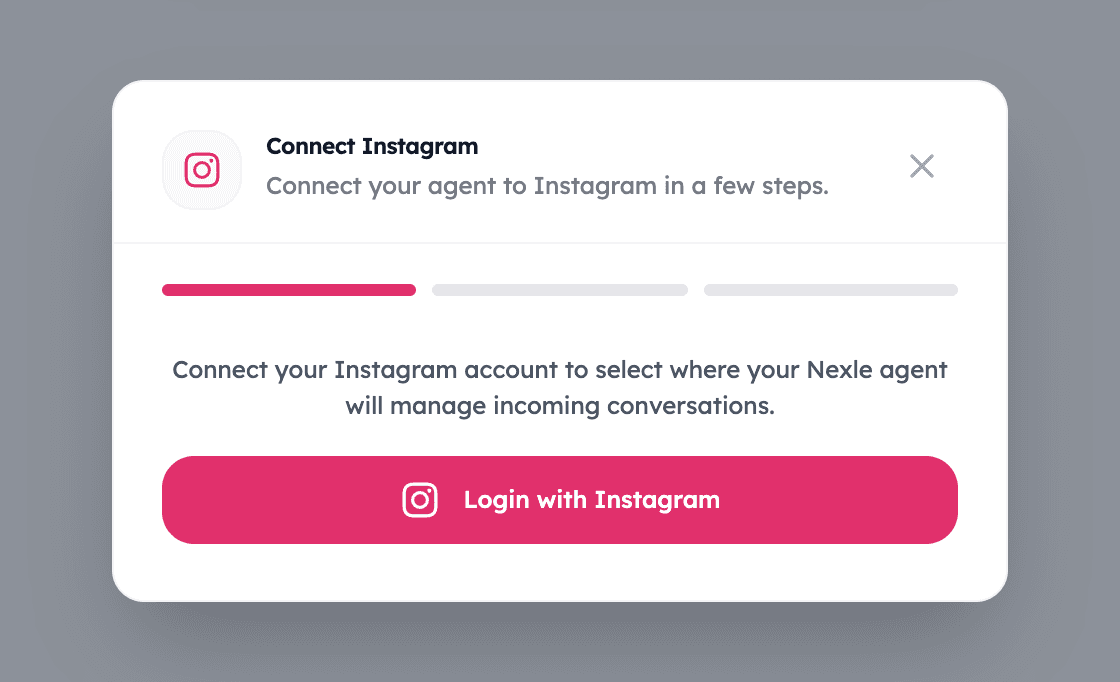
Log in with Instagram
An Instagram window asks you to authorise Nexle with business-messaging permissions so your agent can read and reply to your DMs.
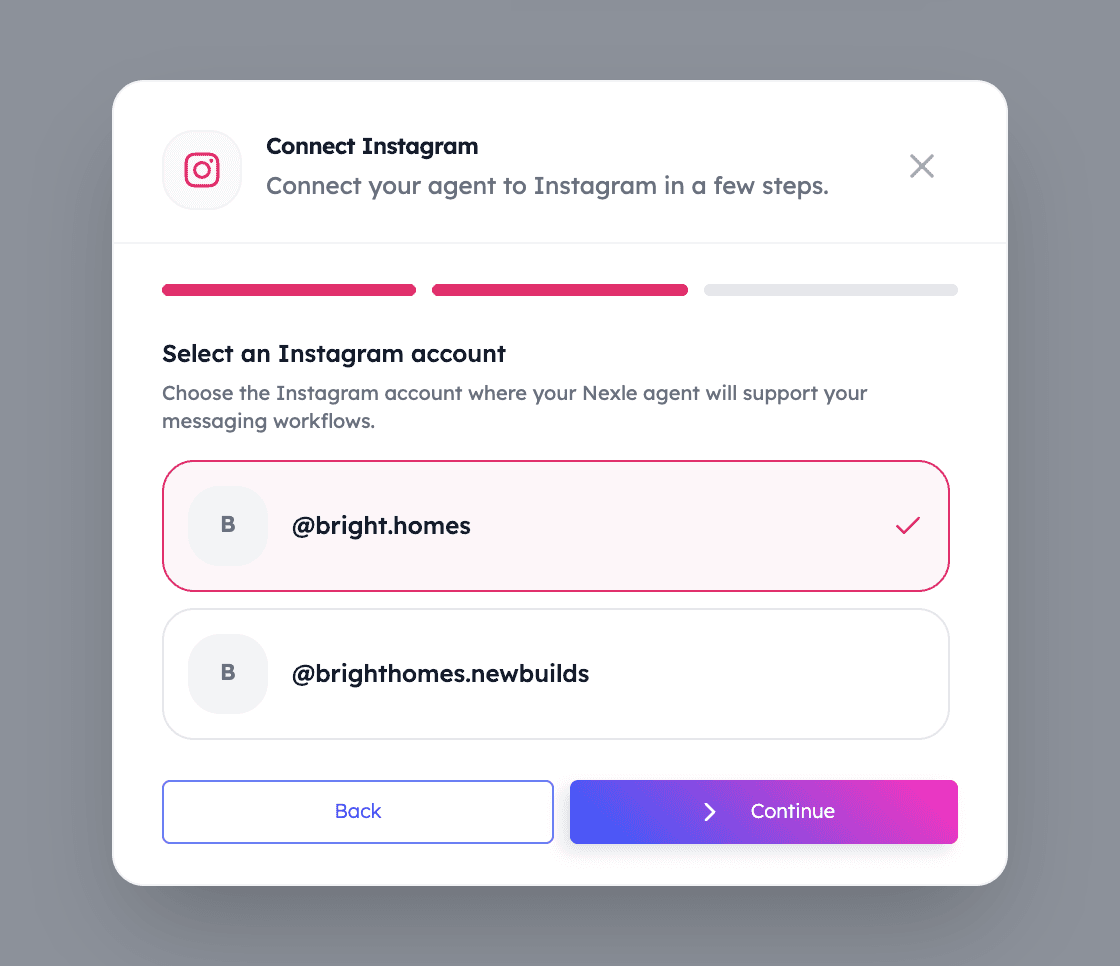
Select your Instagram account
Choose the professional account your agent should answer for. You can review what's connected at any time.
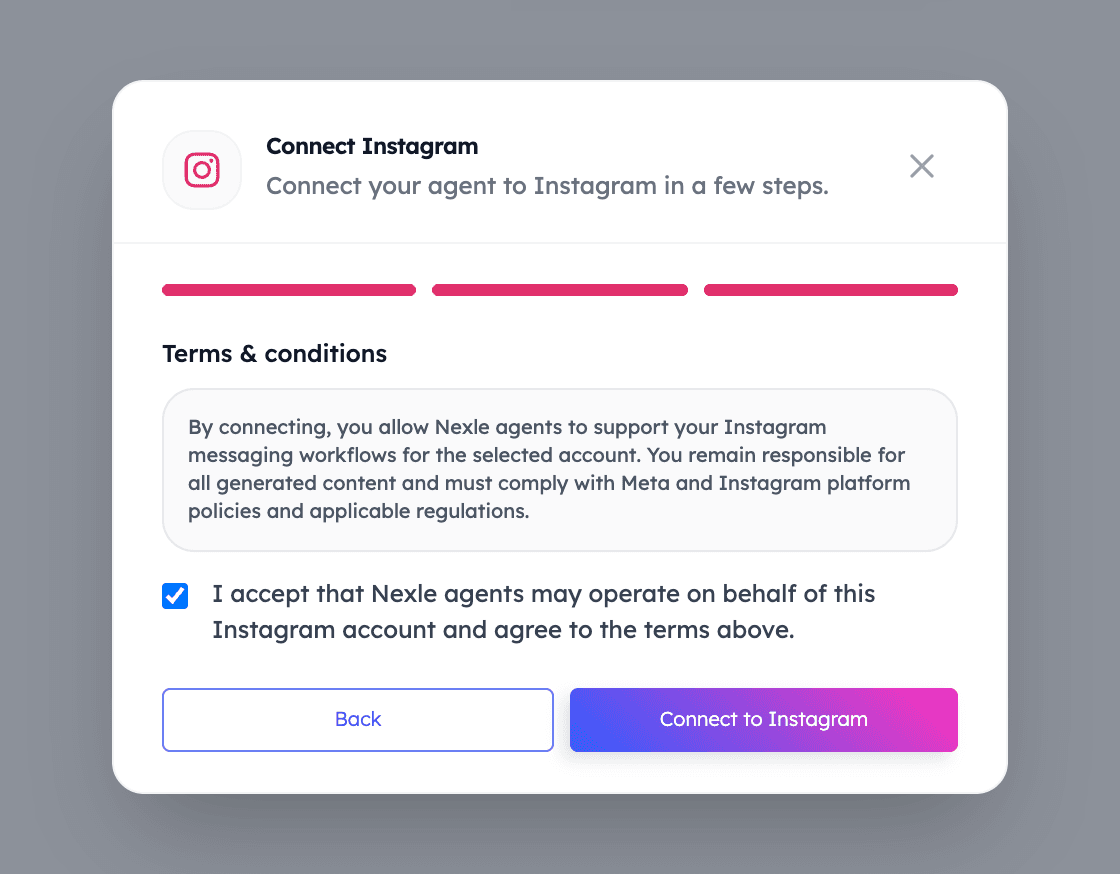
Accept the terms and confirm
Review the terms, tick the checkbox, and connect. The connection goes live immediately.
Send a test DM
DM your account from another profile. Your agent replies with the same knowledge and tone it uses everywhere else.
Personal accounts can't be connected
This is an Instagram platform rule, not a Nexle limit: automated messaging is only available to Business and Creator accounts. Switching takes under a minute in the Instagram app and doesn't change how your profile looks to followers.
Integration FAQsFrequently Asked Questions
Common questions about the Instagram integration.
Do I need a Business account, or does Creator work too?
Either works — Instagram calls them both professional accounts. Personal accounts need to switch first, which is free and takes about a minute.
Will it reply to story replies?
Yes. Story replies arrive as direct messages, so your agent answers them like any other DM.
Will Nexle post to my Instagram?
No. The integration is for conversations — your agent answers messages, it never publishes content to your profile.
Can my team still reply manually?
Yes. Conversations remain in your Instagram inbox, and you can jump in whenever a personal reply is the right call.
Can I disconnect later?
Yes. Remove the connection from the Integrations tab in your Nexle dashboard, or from your Instagram account's connected apps.
Keep connectingExplore More Integrations
Facebook Messenger
Let your agent answer Messenger conversations from your Facebook Page, day and night.
Calendly
Turn conversations into confirmed meetings — your agent offers real availability in chat.
WordPress
Add the Nexle chat widget to any WordPress site with our plugin — no code, no theme edits.
Start Your Free Trial TodayTurn Instagram DMs Into Booked Meetings
Connect your account in minutes and let your agent answer followers while you make content.